Instagram Hashtag Strategy — How to Maximize Your Reach in 2026
Master Instagram hashtags in 2026 with proven strategies for reach and discovery. Use IGStoryPeek's Hashtag Generator to find the best tags for your niche.
Instagram Hashtag Strategy — How to Maximize Your Reach in 2026
Key Takeaways: Hashtags remain one of the most effective free tools for Instagram discovery in 2026 — but only when used strategically. Use IGStoryPeek’s Instagram tools to analyze high-performing, niche-relevant hashtags for any topic without guesswork.
Every year, someone declares that hashtags are dead on Instagram. And every year, the data proves them wrong. In 2026, hashtags continue to function as a core discovery mechanism on the platform. What has changed is how the algorithm evaluates them. Spamming 30 generic tags no longer works. A focused, research-driven hashtag strategy does.
This guide covers exactly how many hashtags to use, how to research the right ones, which tags to avoid, and how to build a system that consistently expands your reach.
How Instagram Hashtags Work in 2026
When you add a hashtag to a post or Reel, Instagram indexes your content under that tag. Users who follow, search, or browse that hashtag can then discover your content — even if they have never heard of your account.
The Algorithm’s Role
Instagram’s 2026 algorithm does not treat all hashtagged content equally. It evaluates:
- Relevance — Does your content actually match the hashtag topic? Instagram uses image recognition and caption analysis to verify this. Tagging a food photo with #fitness will be ignored or penalized.
- Engagement velocity — Posts that get quick engagement after publishing are pushed higher in hashtag feeds.
- Account authority — Accounts that consistently post high-quality content about a topic build topical authority. Their posts rank higher in related hashtag feeds over time.
This means hashtags are not just labels — they are signals that tell Instagram what your content is about and who should see it.
How Many Hashtags Should You Use?
Instagram allows up to 30 hashtags per post and 10 per Story. But the maximum is not the target.
What the Data Shows
Multiple studies in 2025 and early 2026 have tested different hashtag counts across thousands of accounts. The consensus:
- Feed posts: 5-15 hashtags deliver the best results for most accounts
- Reels: 3-8 hashtags tend to perform best, as Reels already have strong algorithmic distribution
- Stories: 3-5 hashtags are sufficient; more than that clutters the visual
The ideal number depends on your account size. Smaller accounts (under 10,000 followers) often benefit from using more hashtags (12-15) because they need maximum discovery opportunities. Larger accounts can use fewer (5-8) because their existing audience and algorithmic authority already provide distribution.
Quality Over Quantity
Five perfectly relevant hashtags will always outperform 30 generic ones. Each hashtag should be a tag that your ideal audience would actually search for or follow.
How to Research the Right Hashtags
Effective hashtag research is not about guessing. There are systematic approaches that consistently produce better results.
Method 1: Use a Hashtag Generator
The fastest approach is to use a dedicated tool like IGStoryPeek’s Instagram tools. Enter your topic or niche keyword to research relevant hashtags organized by size and competitiveness. This eliminates the manual research process and ensures you are using tags that are currently active and properly sized for your account.
Method 2: Analyze Competitors
Find 5-10 accounts in your niche that are slightly larger than yours and growing steadily. Look at their recent high-performing posts and note which hashtags they use. You can browse their content using IGStoryPeek to research without affecting their metrics. Look for hashtags that appear repeatedly across their best content — these are likely driving discovery.
Method 3: Explore Related Tags
Start with one hashtag you know works. Go to that hashtag’s page on Instagram and look at the “Related” suggestions. Branch out from there, building a web of connected tags. This method helps you find niche-specific tags that competitors might not be using yet.
Method 4: Check Hashtag Size
Every hashtag has a post volume — the total number of posts using it. This matters more than most people realize:
| Hashtag Size | Post Volume | Best For |
|---|---|---|
| Small/Niche | Under 100K posts | Accounts under 10K followers |
| Medium | 100K - 1M posts | Accounts 10K-100K followers |
| Large | 1M - 10M posts | Accounts 100K+ followers |
| Mega | 10M+ posts | Generally avoid — too competitive |
Using hashtags that match your account size gives you a realistic chance of ranking in the “Top Posts” section of that hashtag, which drives the most sustained discovery.
The Hashtag Mix Strategy
The most effective approach in 2026 is using a balanced mix of hashtag sizes in every post.
For an account with 15,000 followers using 12 hashtags, a good mix would be:
- 3-4 small/niche hashtags (under 100K posts) — high chance of ranking in Top Posts
- 4-5 medium hashtags (100K-1M posts) — moderate competition, good discovery volume
- 2-3 large hashtags (1M-10M posts) — low chance of ranking but high reward if you do
- 0-1 mega hashtags (10M+ posts) — only if extremely relevant to your content
This layered approach ensures you are consistently appearing in smaller hashtag feeds while occasionally breaking through in larger ones.
Banned and Restricted Hashtags — What to Avoid
Instagram maintains a list of banned or restricted hashtags that can limit your reach if you use them. These are tags that have been associated with spam, inappropriate content, or community guideline violations.
How to Identify Banned Hashtags
If you search for a hashtag on Instagram and no results appear, or you see a content advisory message, the tag is likely banned or restricted. Some examples of commonly restricted tags include seemingly innocent words that have been co-opted by spammers.
The Shadow Ban Risk
Using multiple banned hashtags in a single post can trigger reduced distribution for your entire account — not just that post. Instagram may stop showing your content in hashtag feeds altogether for a period of time. Always verify your hashtags before using them. A hashtag research tool will automatically exclude banned tags from its suggestions.
Where to Place Your Hashtags
There are two schools of thought on hashtag placement, and in 2026, both work equally well from an algorithmic perspective.
In the Caption
Place hashtags at the end of your caption, separated by line breaks. This keeps them visible and makes it clear what topics the post covers.
In the First Comment
Post your hashtags as the first comment immediately after publishing. This keeps the caption clean while still indexing the content. The key is to post the comment within seconds of the post going live — delays can reduce effectiveness.
In Stories
Add hashtag stickers to your Stories or type them directly. You can make them small and tuck them into a corner or hide them behind other stickers if you prefer a cleaner visual. Hashtagged Stories can appear in the hashtag’s Story feed, giving you additional discovery. Check how top accounts use Story hashtags by viewing their Stories through IGStoryPeek’s Stories Viewer.
Building Your Hashtag System
Instead of researching hashtags from scratch for every post, build a reusable system.
Create Hashtag Sets
Organize 5-8 sets of hashtags by content theme. For example, a fitness account might have separate sets for workout posts, nutrition posts, motivation posts, and transformation posts. Rotate between these sets to avoid using the exact same hashtags on every post, which Instagram may flag as repetitive behavior.
Track Performance
Pay attention to which hashtags drive the most impressions. Instagram Insights shows “Impressions from Hashtags” for each post. Over time, you will identify which specific tags consistently deliver results for your account. You can also use IGStoryPeek’s Activity Analyzer to study how hashtag strategies correlate with engagement across different accounts.
Update Monthly
Hashtag trends shift. A tag that was moderately competitive three months ago might be oversaturated now. Review and refresh your hashtag sets at least once a month, replacing underperforming tags with new ones. Use tools at IGStoryPeek to stay current with what is working in your niche.
Common Hashtag Mistakes in 2026
Avoid these pitfalls that continue to hurt accounts:
- Using irrelevant hashtags for reach — This backfires because Instagram detects the mismatch and may reduce your distribution
- Copy-pasting the same 30 hashtags on every post — Repetitive hashtag use is flagged as spammy behavior
- Only using mega hashtags — Your content gets buried within seconds in tags with millions of posts
- Ignoring niche-specific tags — The most valuable discovery happens in focused communities, not broad categories
- Never updating your hashtag lists — Stale strategies produce declining results
Frequently Asked Questions
Are hashtags still worth using on Instagram in 2026?
Yes. Instagram’s own documentation confirms that hashtags remain a discovery mechanism. While the algorithm has become more sophisticated at distributing content through Explore and Reels, hashtags still provide an additional channel for reaching new audiences — especially for accounts under 100K followers that do not yet have strong algorithmic distribution.
Should I use hashtags on Instagram Reels?
Yes, but use fewer than on feed posts. Three to eight well-chosen hashtags on a Reel help Instagram categorize the content and show it to the right audience. Since Reels already have broad algorithmic distribution, the hashtags serve more as topic signals than primary discovery tools.
How do I know if a hashtag is banned on Instagram?
Search for the hashtag directly on Instagram. If no results appear, or if you see a message saying content has been hidden, the tag is restricted. You can also use a hashtag research tool like IGStoryPeek’s Instagram tools, which can help you identify banned and restricted tags.
Can using too many hashtags hurt my reach?
Using the maximum 30 hashtags does not automatically hurt reach, but it increases the risk of including irrelevant or overused tags that dilute your content’s signal. Studies in 2026 show that 5-15 well-researched hashtags consistently outperform 30 hastily chosen ones. Focus on relevance and size-matching rather than hitting the maximum.
How often should I change my hashtags?
Rotate your hashtag sets with every post and do a full review of your sets monthly. Using identical hashtags on consecutive posts can trigger spam detection. Having 5-8 prepared sets that you rotate through solves this problem while keeping your research effort manageable.
Sources
- Using Hashtags to Reach New Audiences — Instagram for Creators
- How to Use Hashtags on Instagram — Instagram Official Blog
- Instagram Search and Explore — Instagram Help Center
You might also like
- Instagram Content Calendar — Best Posting Schedule and Times for 2026
- Instagram Reels vs Stories in 2026 — Which Format Wins for Reach and Engagement?
- How the Instagram Algorithm Works in 2026 — Feed, Reels, Stories & Explore Explained
- Instagram Bio Ideas: 150 Creative Examples That Stand Out 2026
- Instagram Engagement Rate — How to Calculate It & What's a Good Rate in 2026
Share this article
Alex Morgan
Content strategist at IGStoryPeek. Specializing in Instagram analytics, engagement optimization, and content strategy.
Try IGStoryPeek →Related Posts
Instagram Content Calendar — Best Posting Schedule and Times for 2026
Build a winning Instagram content calendar for 2026. Discover the best times to post, ideal frequency, and scheduling tips. Analyze top accounts with IGStoryPeek.
Instagram Reels vs Stories in 2026 — Which Format Wins for Reach and Engagement?
Compare Instagram Reels vs Stories in 2026: reach, engagement, algorithm tips, and when to use each. Use IGStoryPeek to analyze performance and optimize your strategy.
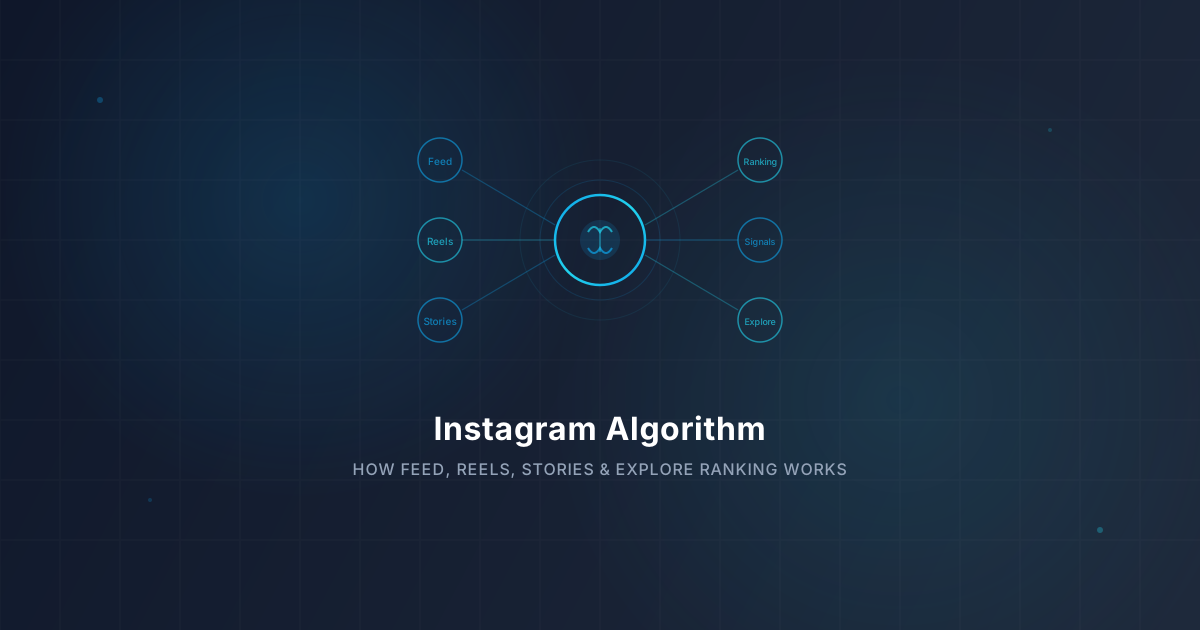
How the Instagram Algorithm Works in 2026 — Feed, Reels, Stories & Explore Explained
Understand how the Instagram algorithm ranks content in 2026. IGStoryPeek breaks down ranking factors for Feed, Reels, Stories, and Explore so you can grow.

Instagram Bio Ideas: 150 Creative Examples That Stand Out 2026
Get the best Instagram bio ideas for 2026. 150 creative examples for personal, business, and aesthetic bios that make your profile unforgettable.
Instagram Engagement Rate — How to Calculate It & What's a Good Rate in 2026
Learn how to calculate your Instagram engagement rate in 2026 with exact formulas and niche benchmarks. Use IGStoryPeek's free tools to measure real performance.